 FloServer
General
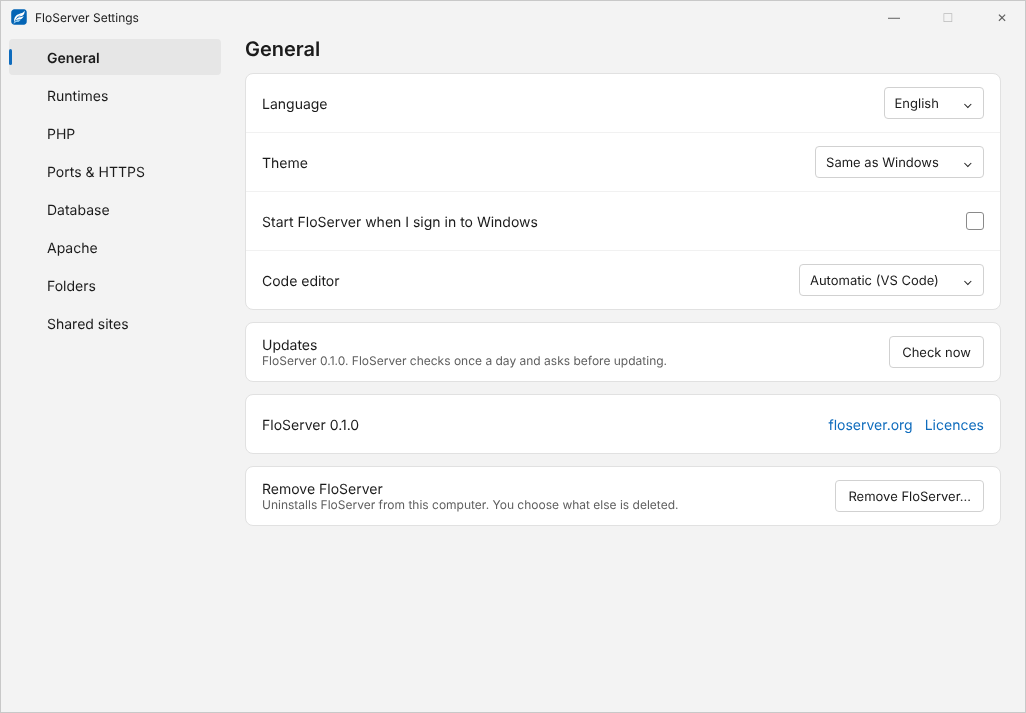
Settings → General.
Window
- Language: English, Arabic or Kurdish (Sorani), or the same as Windows.
- Theme: by default, the same as Windows.
- Start FloServer when I sign in to Windows
- Code editor: what Open in VS Code and the code button open. Automatic picks VS Code.
Updates
Check now looks for a new version. FloServer also checks once a day and asks before updating. See Updates.
About and licences
The version you have, a link to floserver.org, and Licences: the notices of the open-source parts.
Remove FloServer
Remove FloServer… uninstalls it, and lets you choose what else is deleted. See Remove FloServer.
Docs for FloServer 0.1.0Something wrong on this page? Email us